


Ever noticed a high-pitched buzzing or whining sound coming from your computer, graphics card, or power supply—especially when running a heavy program or game? That’s likely coil whine.
Coil whine is a common but harmless phenomenon in electronics, caused by tiny vibrations in components like coils or inductors when electricity passes through them. While it doesn’t hurt your device or affect performance, the noise can be distracting—especially in a quiet environment.
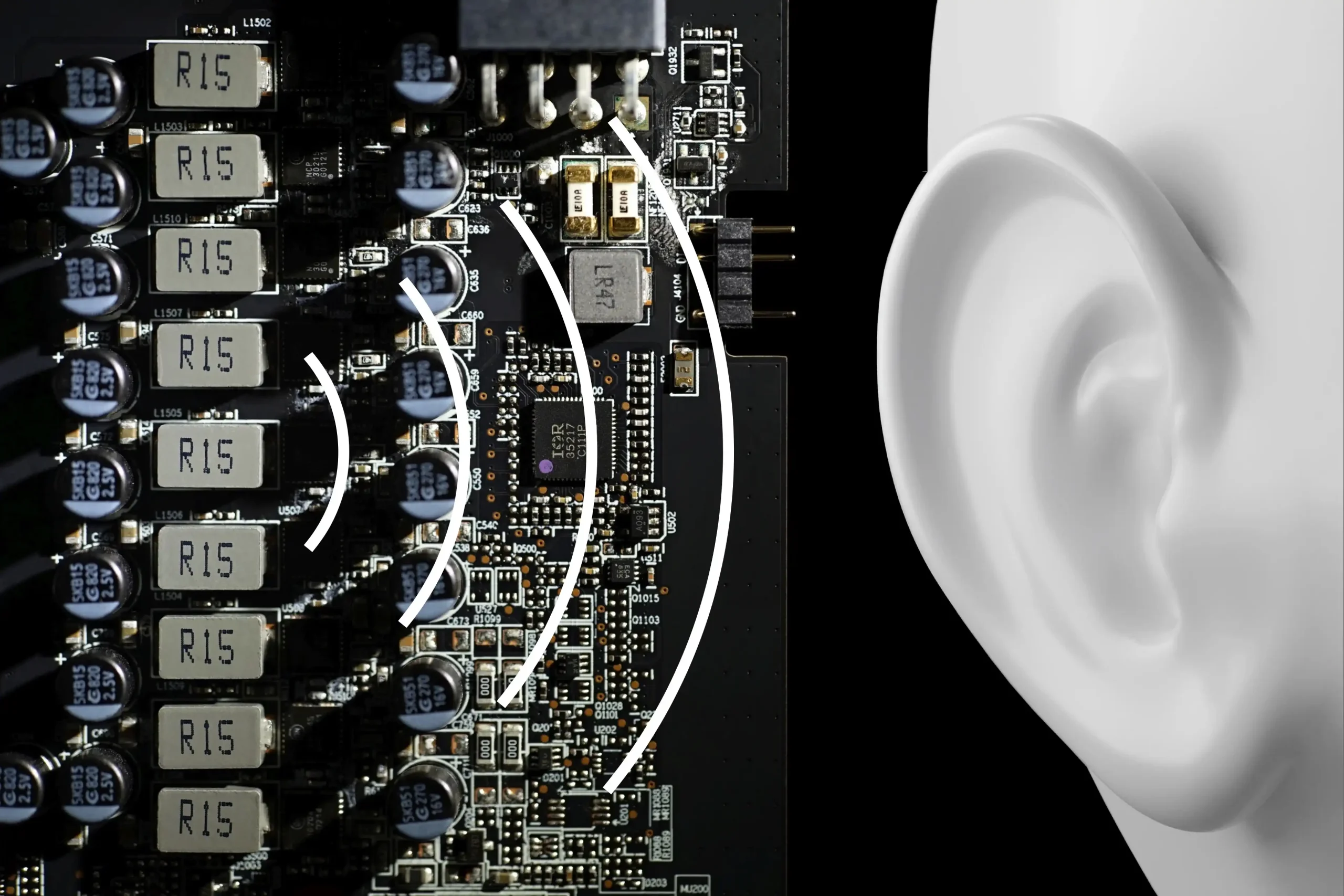
In this article, we’ll break down why coil whine happens, how to tell it apart from other noises, and most importantly, what you can do to reduce or prevent it in your setup. Let’s make that annoying whine a thing of the past.
What Is Coil Whine?
Coil whine is the high-pitched sound you sometimes hear from your electronics, especially when your device is working hard. It happens when electromagnetic coils or inductors vibrate as electrical current flows through them—essentially turning those tiny components into microscopic speakers.
Depending on the frequency, this noise might sound like a buzz, whistle, or faint hissing, and it tends to become more noticeable when the surrounding environment is quiet.
You’ll most often encounter coil whine in graphics cards (GPUs), power supply units (PSUs), laptops, and even game consoles—anywhere power-hungry components are doing complex tasks. While it might be annoying, it’s a normal side effect of how electronics work and not usually a sign of damage or defect.
What Causes Coil Whine?
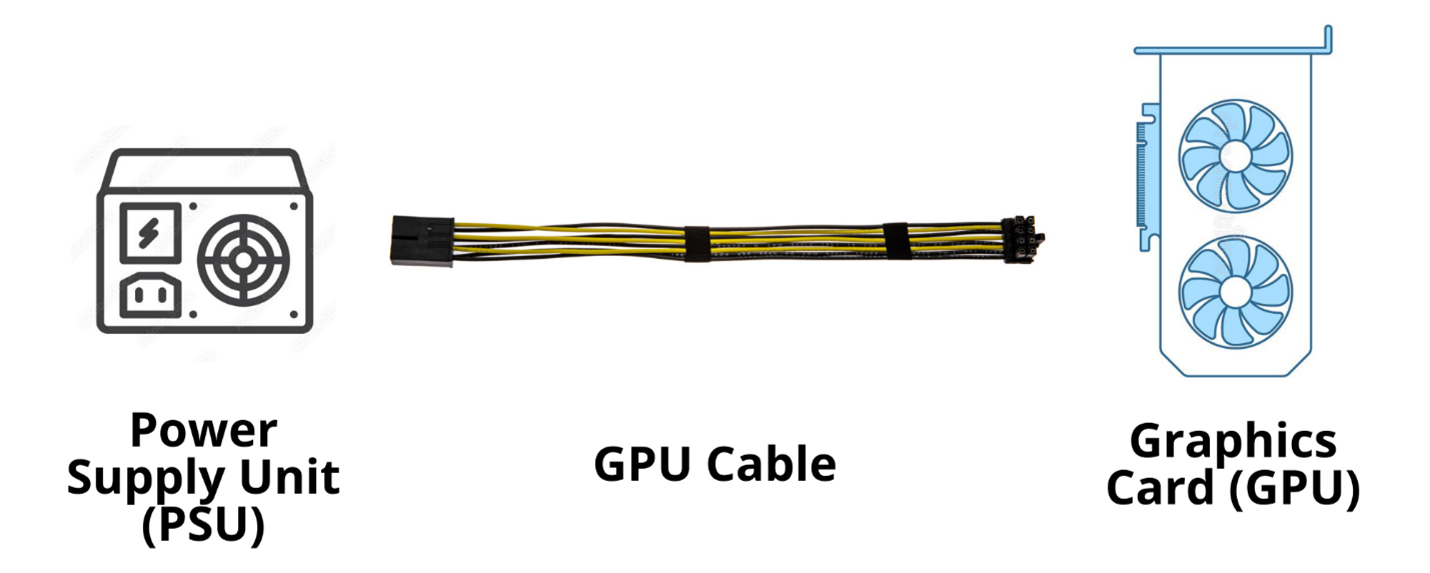
Coil whine happens when certain electronic components—especially inductors or coils—vibrate as current flows through them. This vibration creates a high-pitched noise, and several factors can make it more noticeable:
Electromagnetic vibration: The main cause is the mechanical vibration of coils when electricity passes through.
Switching frequency & resonance: If a coil’s natural frequency matches the switching frequency of power delivery, the sound is amplified.
Load variation: Sudden changes in electrical demand—like jumping into a heavy game or rendering a video—can create rapid current shifts that trigger coil whine.
Component quality or PCB layout: Lower-quality components or poor circuit board design can increase the chances of audible vibrations.
Electromagnetic interference (EMI) and heat buildup can make the problem worse, especially in compact, high-performance systems.
In short, coil whine is a mix of physics and engineering. While it can be tricky to predict, knowing the causes helps you understand where that pesky noise is coming from.
Where Is Coil Whine Common?
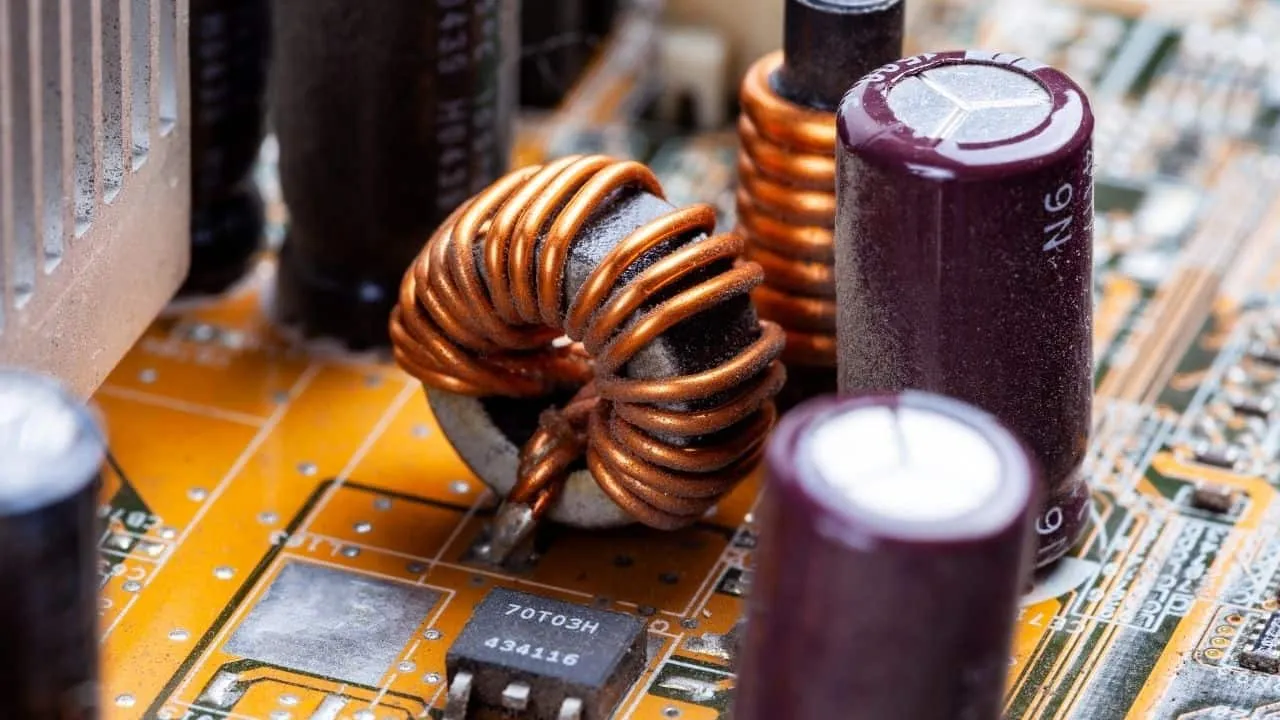
You’ll often hear coil whine in high-performance electronics where inductors and coils are under stress. Some of the most common culprits include:
Graphics Cards (GPUs) – Especially during intense gaming or high FPS output.
Power Supplies (PSUs) – Switching supplies can create noticeable whine under load.
Laptops and Desktop PCs – Lightweight, compact builds often amplify the sound.
Audio and Medical Equipment – Sensitive circuits can reveal even faint vibrations.
TVs, Gaming Consoles, and More – Any device with power regulation circuits may produce coil whine.
Is Coil Whine Dangerous?

No, coil whine is not dangerous to your hardware. It’s just a high-pitched sound caused by vibrating components—not a sign of failure.
It won’t reduce performance or lifespan, but it can be annoying in quiet environments. In rare cases, persistent coil whine might suggest lower-quality components or wear and tear over time.
How to Fix or Reduce Coil Whine
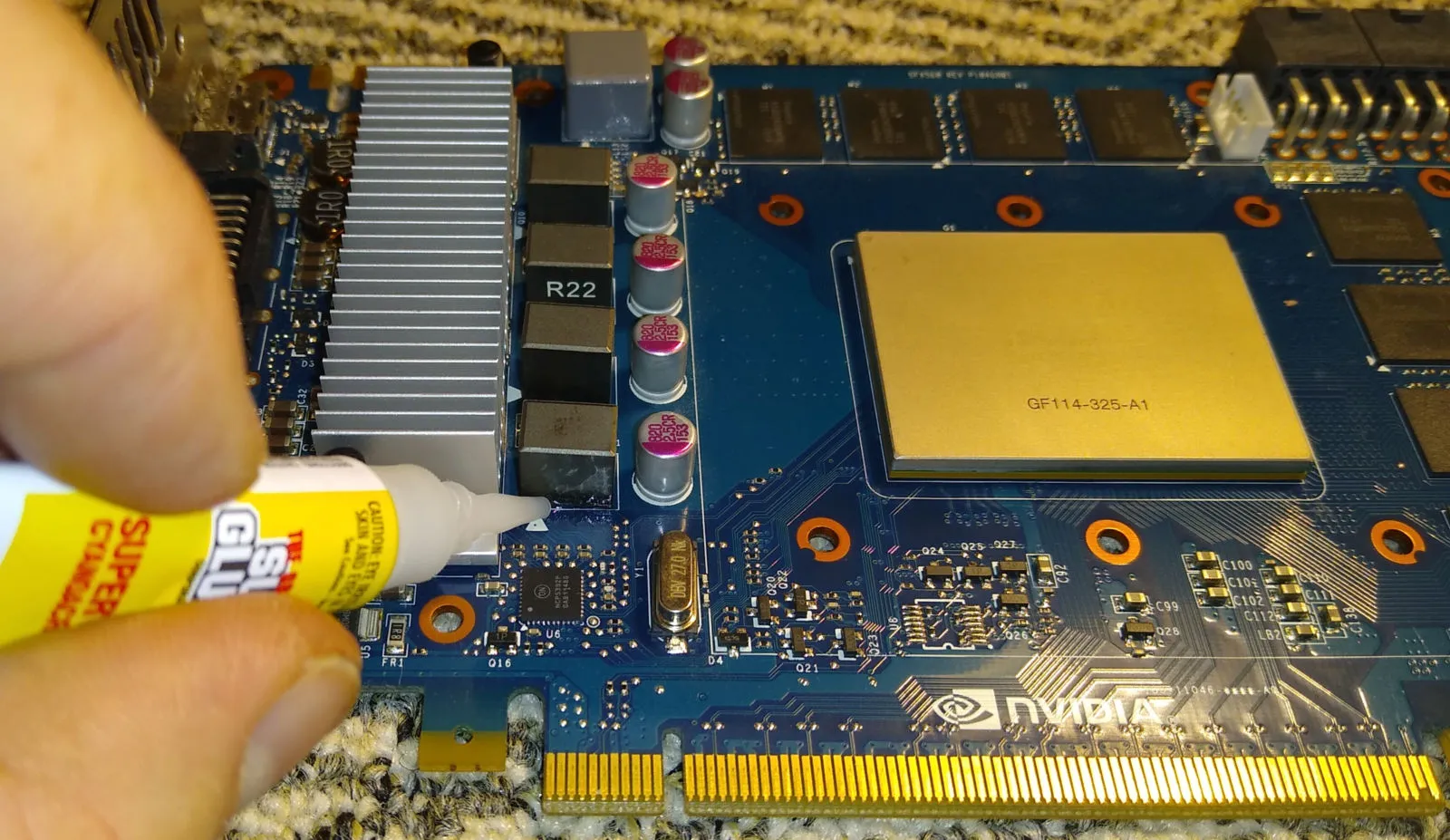
Coil whine might not be harmful, but it’s definitely frustrating. Here’s how to quiet it down or tune it out:
✅ Simple Fixes:
Cap FPS in games with V-Sync or frame limiters to reduce GPU load.
Undervolt your GPU or CPU to lessen power fluctuations.
Improve airflow to reduce heat buildup, which can amplify vibration.
🔧 Hardware Changes:
Upgrade to a better PSU with lower ripple and better shielding.
Add ferrite beads or EMI filters to reduce interference.
Replace the noisy component (like a GPU or PSU) if it’s still under warranty.
🔇 Noise Isolation:
Line your PC case with noise-dampening foam or acoustic panels.
Choose a quieter case or a fanless system if possible.
Use headphones or relocate your setup to a less audible area.
These fixes range from quick DIY tweaks to long-term upgrades—choose what works best for your setup and comfort.
FAQs
1. How do I reduce coil whine in my PC?
Try capping FPS, upgrading to a quality PSU, and improving your airflow.
2. Can coil whine damage my GPU?
Not at all. It’s a sound issue, not a performance or safety problem.
3. Is it worth replacing a part over coil whine?
Only if it’s very loud and the part is still under warranty.
Conclusion

Coil whine is a harmless but annoying high-pitched sound caused by vibrating electronic components under load. While it doesn’t affect performance, understanding its causes and using simple fixes can make your system quieter and more enjoyable to use.
Want a smoother PC experience? Try these noise-reduction tips today or consult a tech expert if coil whine becomes too distracting.


 English
  Spanish
  Russian
  Italian
  German
  Chinese